



Android 13 Aug 2026
Native vs Cross-Platform: Why Android Apps Still Matter in 2026

Written by Kalpesh Prajapati
Flutter and React Native promised one codebase for every platform, and for a lot of apps, that promise holds up well. But businesses that build exclusively cross-platform sometimes run into a wall the moment they need something Android does differently than iOS, and by then, switching costs real money and real time.
Android still runs on the widest range of devices, screen sizes, and price points of any mobile platform on earth. That range is exactly why the native-versus-cross-platform decision deserves more thought than ‘whichever is cheaper right now.’
This decision comes up constantly for businesses planning their first app, and the honest answer is that neither approach is universally right. The right call depends heavily on what the app actually needs to do, who it needs to do it for, and how long the business expects to keep building on top of it.
What ‘Native Android’ Actually Means in 2026
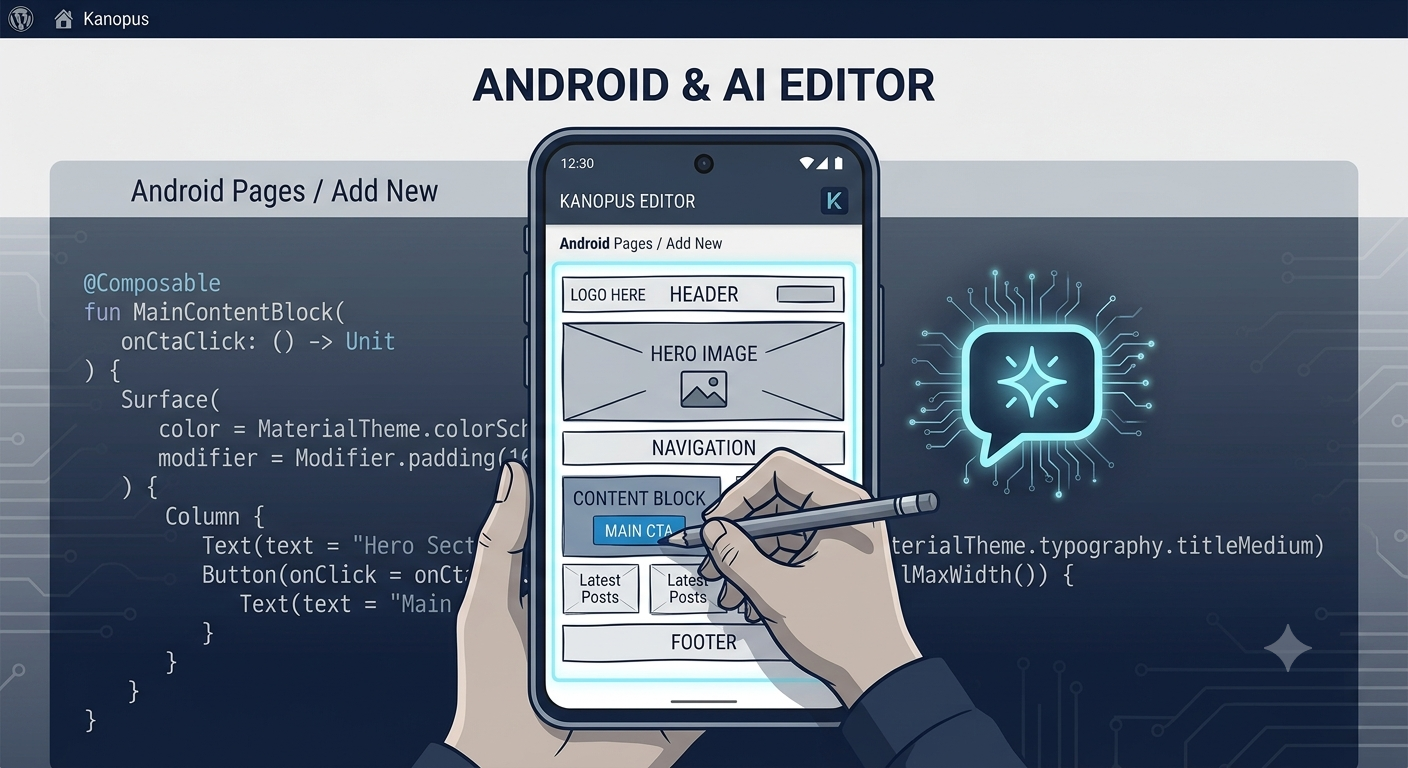
Native Android development means building an app specifically for Android using Kotlin and Google’s own toolkits, including Jetpack Compose for modern UI, rather than a shared framework that also outputs an iOS version. Native apps get direct, immediate access to Android’s hardware and system-level features: camera controls, background processing, notifications, widgets, and whatever Google ships in the newest Android release, without waiting for a cross-platform framework to catch up and add support for it.
Why Some Businesses Still Choose Native Android Over Cross-Platform
Performance-heavy apps benefit the most from native development, think camera-based features, augmented reality, real-time location tracking, or apps that run background processes constantly. Native code handles these tasks more efficiently because it isn’t routing through an extra translation layer.
Businesses targeting Android-first or price-sensitive markets, India included, also lean native more often. Android device fragmentation here is enormous: different screen sizes, RAM limits, and OS versions all in active use at once. Native development gives more direct control over how an app behaves across that range, rather than relying on a cross-platform framework to smooth it out.
Apps expected to scale significantly over several years also tend to favor native, since it avoids the layer of abstraction that can eventually become a bottleneck as features and user volume grow.
Where Cross-Platform Still Wins
Cross-platform tools like Flutter remain the smarter choice for budget-conscious launches, especially when a business needs both Android and iOS live quickly and the app’s feature set is fairly standard: content browsing, forms, basic e-commerce, appointment booking, and similar use cases. One codebase means one team building and testing instead of two, which shortens both timeline and cost for straightforward apps.
The Real Cost Comparison
Cross-platform development usually costs less upfront because one codebase covers both platforms. But that gap narrows, and sometimes reverses, once an app needs platform-specific features. At that point, developers often have to write native ‘bridges’ anyway to plug the gaps a cross-platform framework can’t cover cleanly, which adds cost and complexity that a fully native build wouldn’t have needed in the first place.
Native Android development typically costs more initially since it’s Android-specific work with no shared iOS code, but it tends to need fewer workarounds down the line for apps with complex or performance-heavy requirements.
How to Decide What’s Right for Your Business
Start with your audience: if most of your users are on Android, particularly in price-sensitive markets, native gives you tighter control over performance across a wide device range. Next, look at feature complexity: if your app leans on camera, location, background processing, or the newest Android capabilities, native avoids future workarounds. Finally, weigh timeline and budget honestly. A simple app that needs to exist on both platforms quickly is usually better served by cross-platform, while a feature-heavy, long-term product is usually better served by starting native.
What Device Fragmentation Actually Means for Your App
Android device fragmentation is often described as a technical problem, but for a business it’s really a business problem: the same app has to look correct and perform reliably on a budget phone with limited RAM and an older Android version, and on a flagship device with the latest OS and plenty of processing power. In markets like India, both types of devices are in heavy daily use at the same time, which means testing across a wide device range isn’t optional if the goal is a genuinely reliable app.
Native development gives a team more direct tools to handle this range: adaptive layouts, conditional feature loading for lower-end devices, and finer control over how much memory and battery the app consumes. Cross-platform frameworks have improved significantly here, but there are still edge cases, an older device struggling with a specific animation, or a background task behaving inconsistently across manufacturers, where native code gives a development team more room to fix the problem directly rather than working around a framework’s limitations.
A Practical Way to Test the Decision Before Committing
Businesses unsure which route to take don’t have to guess blind. Building a small proof-of-concept version of the app’s most demanding feature, whether that’s a camera function, a location-based feature, or a background sync process, in both a native and cross-platform environment can reveal real performance differences before a full build begins. This costs a fraction of a full project but answers the most important question directly: does this specific feature perform well enough in a cross-platform framework, or does it need native code to feel right for the end user.
For most straightforward apps, this step isn’t necessary. But for apps where performance is central to the user experience, gaming-adjacent apps, camera-first apps, or apps with heavy real-time data, it’s a small investment that prevents a costly platform switch six months into development.
Long-Term Maintenance: The Cost Nobody Budgets For Upfront
Launch cost gets most of the attention, but maintenance is where the native-versus-cross-platform decision often shows its real impact. Android releases a new OS version roughly once a year, and native apps typically adapt to those changes more predictably since they’re built directly on Google’s own current tools. Cross-platform frameworks generally catch up quickly too, but there’s occasionally a lag between an OS update and full framework support, which can leave an app with minor bugs or missing capabilities for a stretch of time.
Businesses planning to actively maintain and expand an app for several years should factor this into the decision from the start, not just the cost of getting version one built and shipped to the Play Store.
How Google Play’s Requirements Factor Into the Decision
Google Play regularly updates its technical requirements and review guidelines, target API levels, permission handling, data safety disclosures, and app performance benchmarks all get revised periodically. Native apps built with current tools tend to meet new requirements without much extra work since they’re already built on the latest supported foundations. Apps built on older or less actively maintained cross-platform setups can occasionally fall behind these requirements, requiring updates just to stay compliant and listed, separate from any new features.
This is a maintenance cost worth discussing with a development team regardless of which approach a business chooses: how quickly will the app be updated to stay compliant with Play Store policy changes, and is that covered under an ongoing support plan or treated as a separate cost each time it comes up.
A Balanced Way to Think About the Decision
It’s tempting to look for a universal answer, native is always better, or cross-platform is always the smarter budget choice, but neither holds up once real business requirements enter the picture. The businesses that end up satisfied with their decision are the ones who mapped out their actual feature list, their target audience’s device habits, and their multi-year plans before choosing a framework, rather than defaulting to whichever option a single developer happened to recommend.
For businesses still unsure, a short conversation with a development team about the specific features planned for year one and year two of the app usually clarifies the decision faster than researching frameworks in the abstract. The right technology follows from the actual product plan, not the other way around.
What Kanopus Looks At Before Recommending a Framework
When a new Android or mobile app project comes in, the first conversation usually isn’t about Kotlin versus Flutter at all, it’s about the business itself: who the target users are, what devices they’re likely using, which features are must-haves for launch versus nice-to-haves for later, and how the business expects the app to grow over the following two to three years. Only once that picture is clear does the technology conversation actually start, because the right framework is a consequence of those answers, not a starting assumption.
This approach occasionally means recommending cross-platform for a business that walked in assuming they needed native, or the reverse. Either way, the goal is the same: a technology decision that fits the actual business, not a default recommendation applied to every project regardless of what it actually needs. Businesses that skip this step and choose a framework based on trends or a single article often find themselves rebuilding parts of an app a year later, once real usage patterns reveal a mismatch that better upfront planning would have caught.
Frequently Asked Questions
Yes, for many businesses an app supports different needs than a website, like push notifications, offline access, and a faster repeat-visit experience for regular customers, which a mobile-responsive website can't fully replicate.
Kotlin (native) suits performance-heavy or Android-specific apps, while Flutter suits apps that also need an iOS version quickly on a tighter budget. The right choice depends on your feature list, target platforms, and how much your app relies on device-specific performance.
Costs vary based on app complexity, design requirements, and backend needs. Reach out to Kanopus Web Solutions for a quote tailored to your specific project.
Not as a direct conversion, but a native Android version can be built based on the existing app's design and logic, effectively as a fresh native build informed by what already works and what needs improving.
This depends on your market. Android tends to work better for broader, price-sensitive audiences like India, while iOS often makes more sense for premium or US and UK-focused markets. Your existing customer data is usually the best guide.